01 · THE MARK
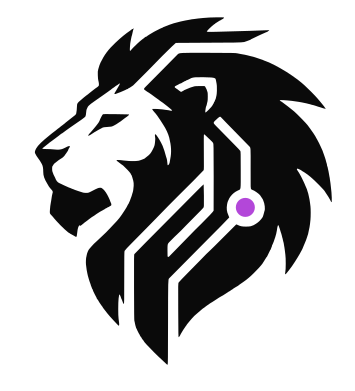
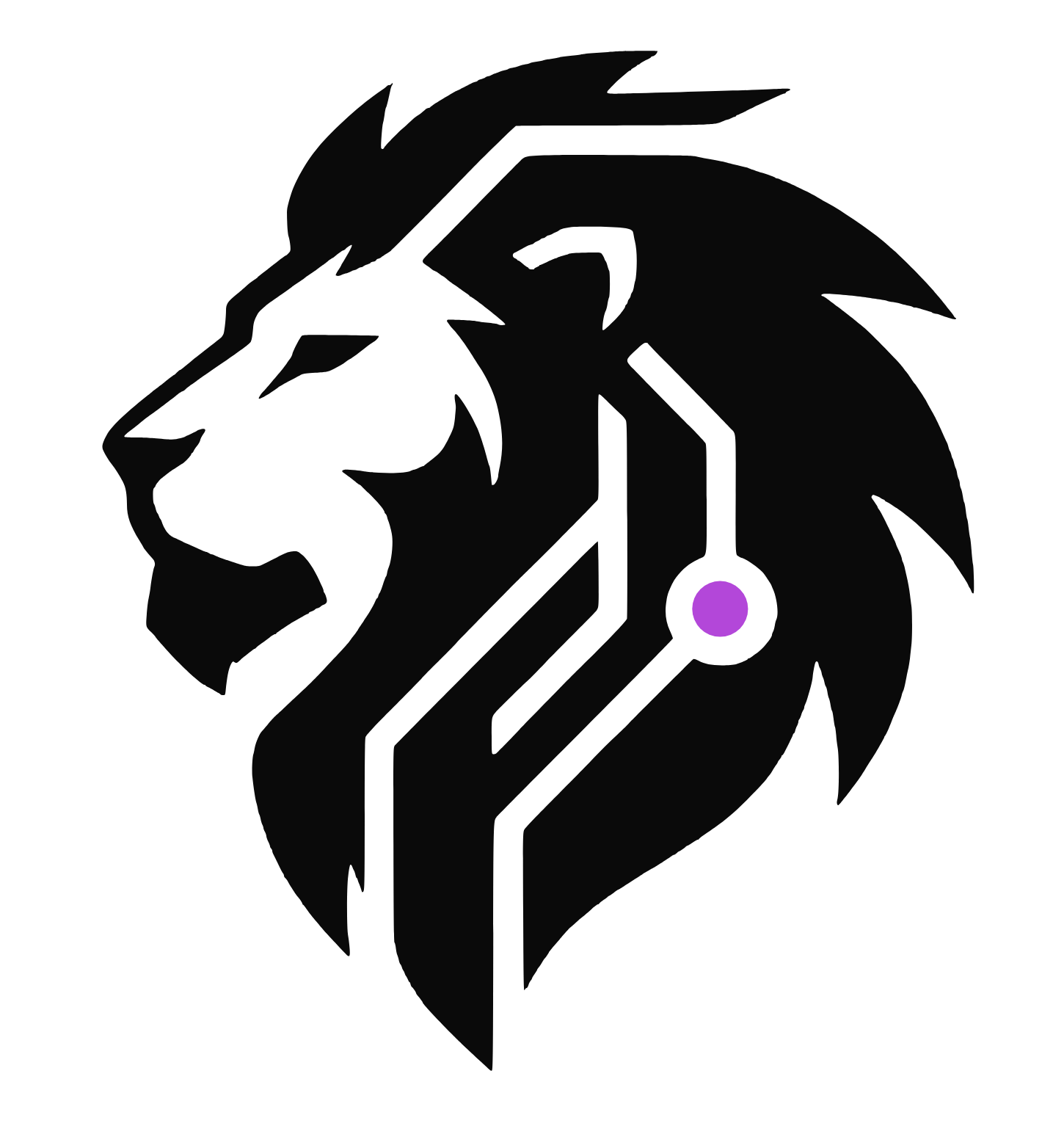
The lion
Side-profile stencil with circuit traces. The single colored dot behind the jaw is the only element that changes color across segments.








02 · SEGMENT-TINTED MARKS
Same lion, three segment colors
Tint the dot to align the lion with one of the three segments.







03 · WORDMARK
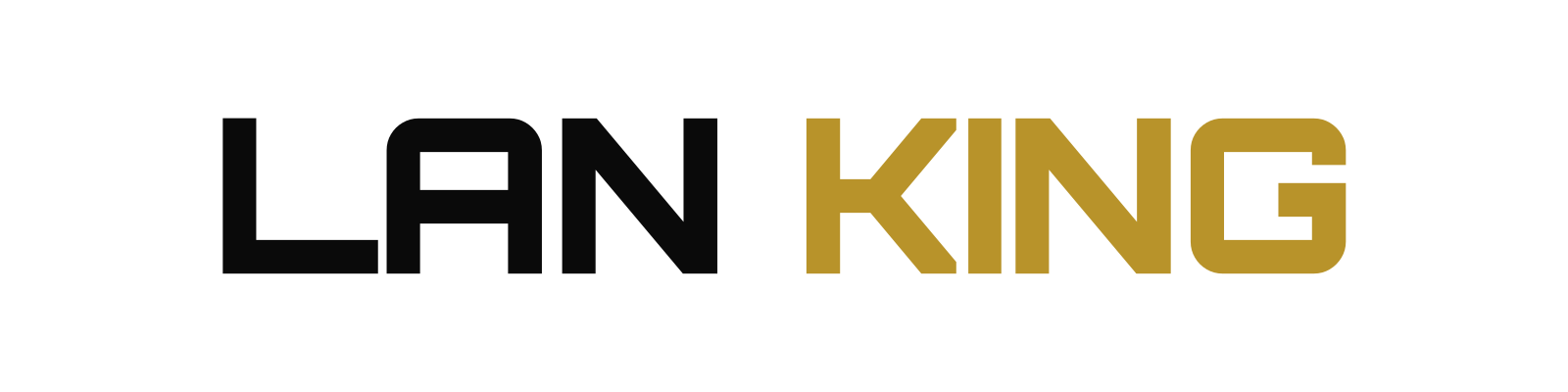
LAN KING
Orbitron 900 with tight tracking. KING takes the accent color.



LAN KING
04 · MASTER LOCKUPS
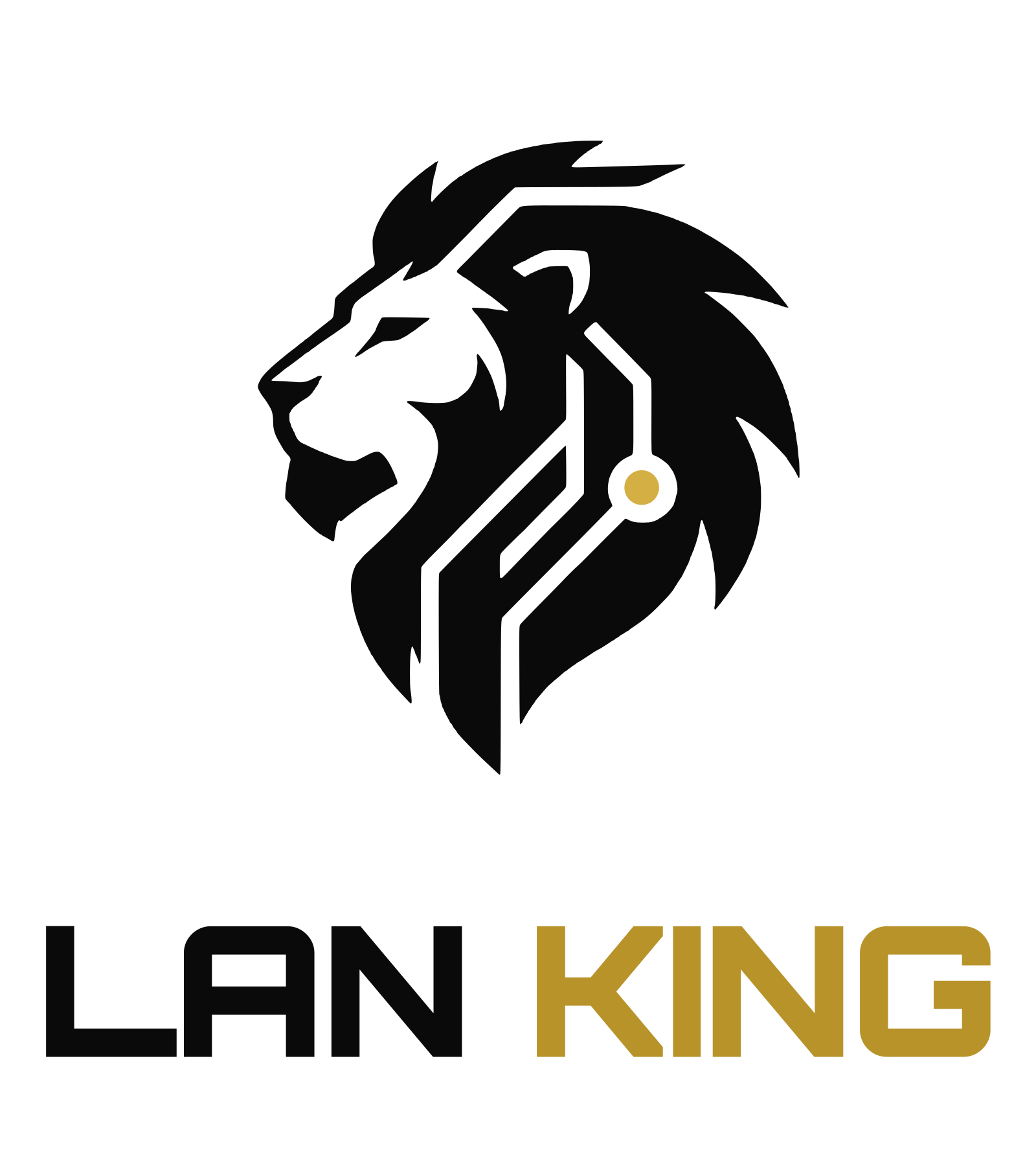
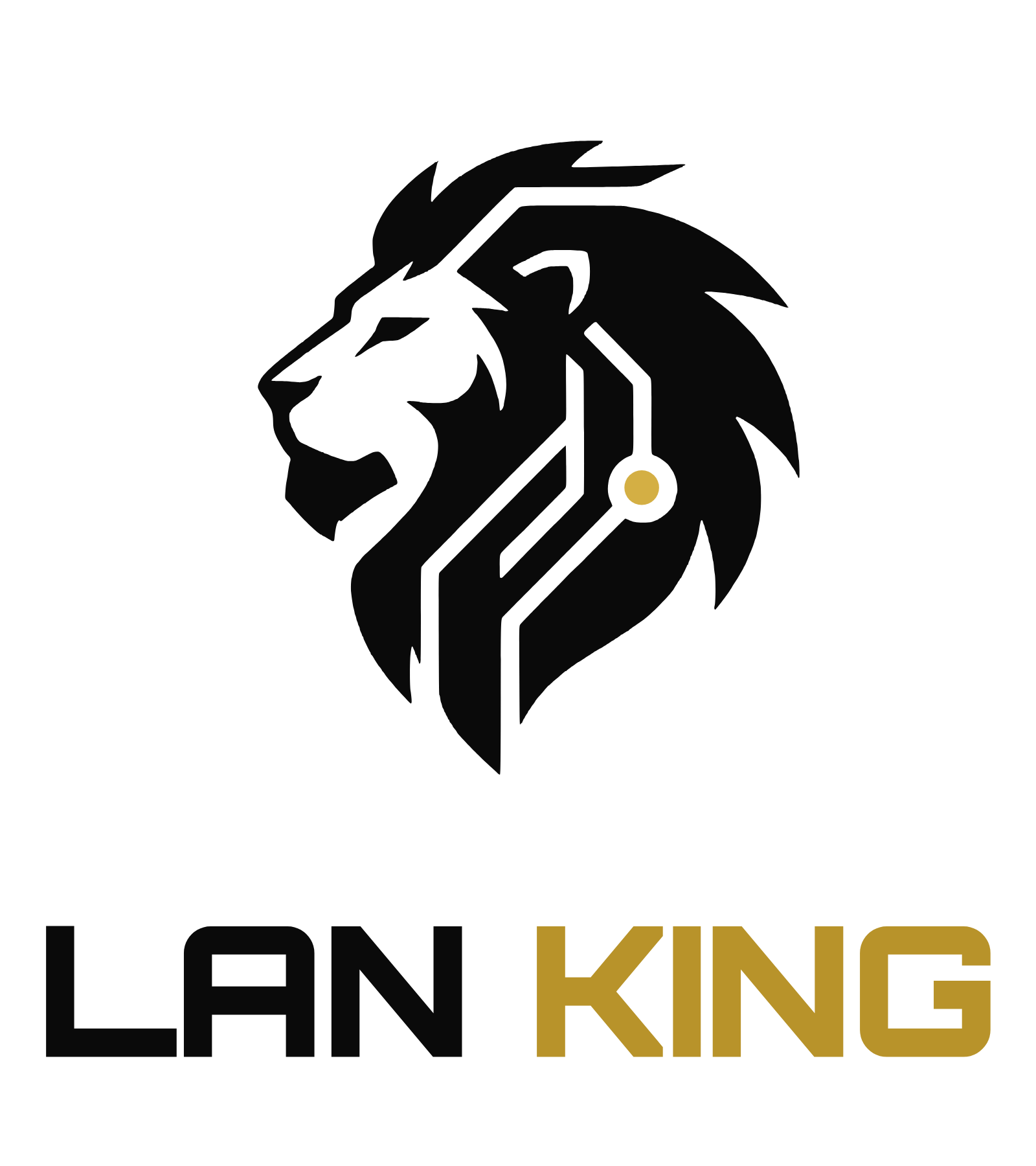
Lion + wordmark
Horizontal and stacked, on dark and light surfaces.


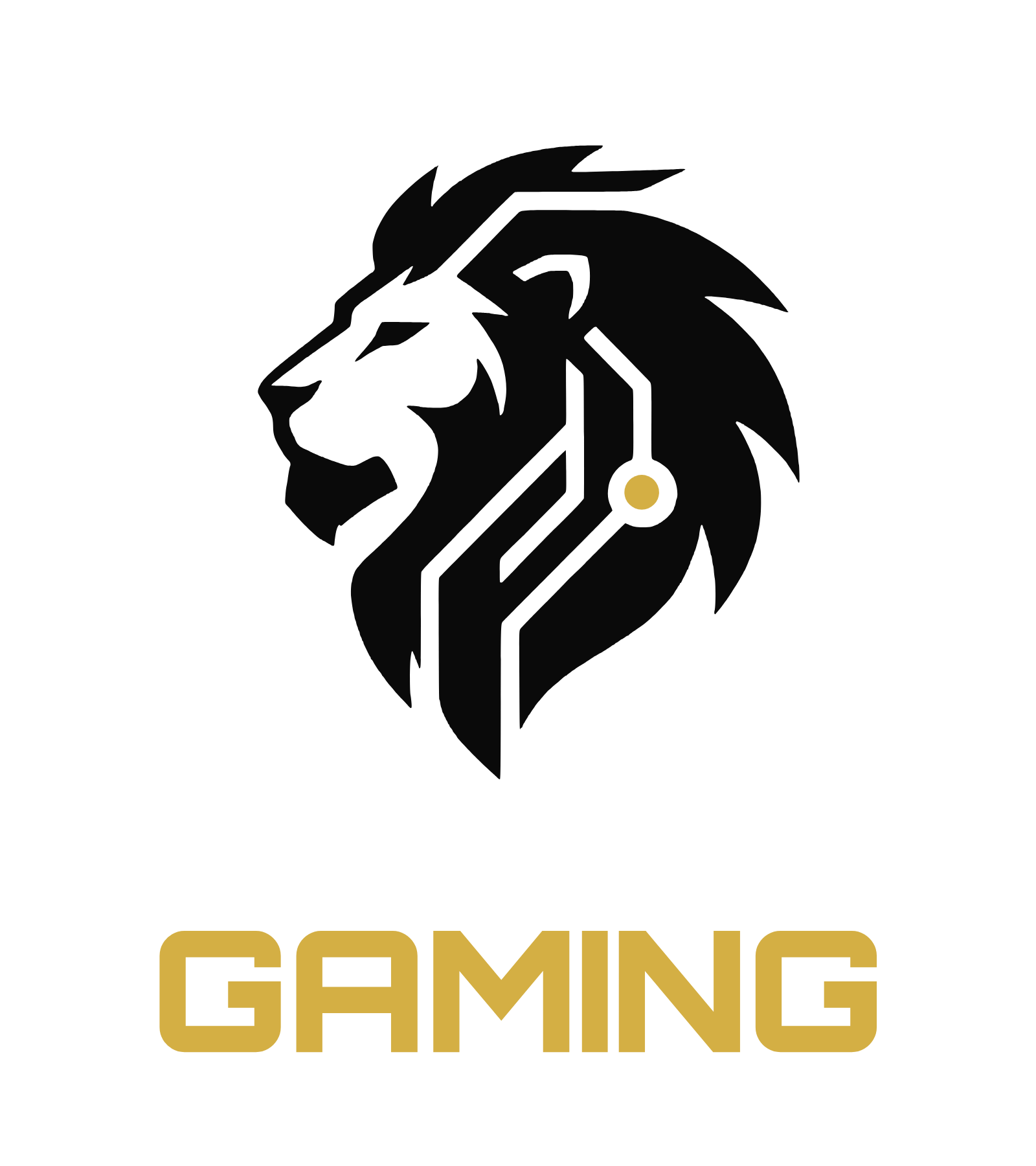
05 · LK GAMING
Gaming lounge
Accent
#d4af44 · gold. B2C — bold, premium.








06 · LK AMENITIES
Managed amenity
Accent
#8a99ad · steel. B2B — calm, modern.











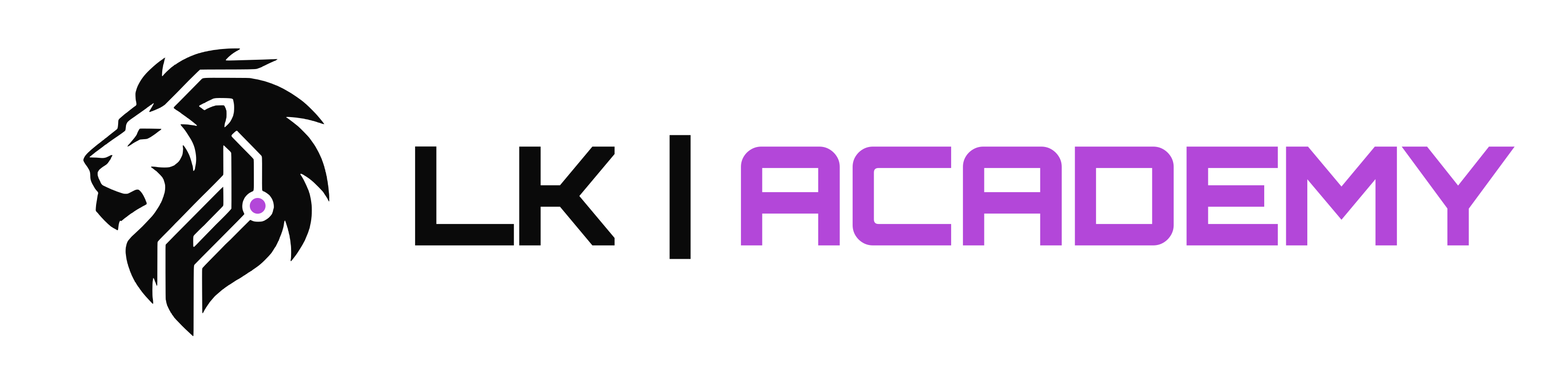
07 · LK ACADEMY
Youth & collegiate
Accent
#b347d9 · violet. Nonprofit — bright, ambitious.


08 · COLOR SYSTEM
Palette
Click any swatch to copy its hex.
09 · USAGE
Rules
Six rules for every application.
⊡
Clear space
Keep at least the dot's height clear on every side of the mark.
↘
Minimum size
Lion alone: 16 px / 4 mm wide. Lockups with text: 24 px / 6 mm.
●
Color the dot only
Only the dot may change. Leave lion strokes alone (or remove the dot for monochrome).
✕
No effects
No gradients, drop shadows, outlines, 3D extrusions, or animations.
⤢
No distortion
Don't stretch, rotate, or skew the mark or wordmark.
⊕
Match the surface
White lion on dark backgrounds; dark lion on light. Pick the right asset.